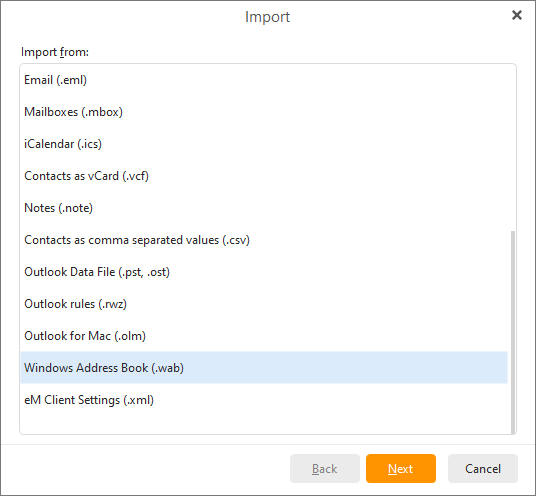
To import contacts from Windows Address Book select Menu ->File -> Import in the main menu:
Select the Import from Windows Address Book option and click Next:
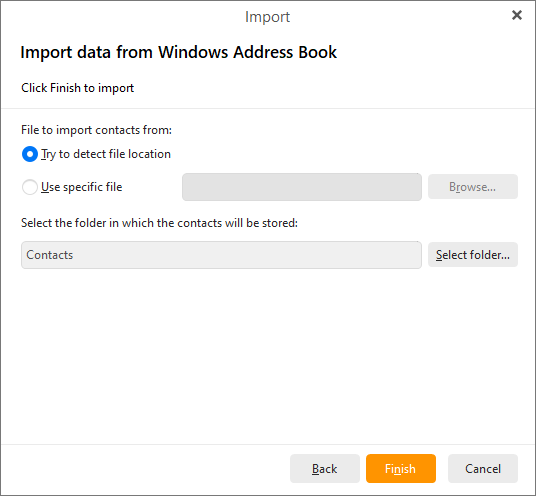
You can choose from two options: Try to detect file location or Use specific file. Next select the folder in which the contacts will be stored.
Click Finish to complete the importing process and close the wizard.